AI-Powered Review
AI review for COIs, endorsements, and supporting documents
PINS AI Assistant reviews COIs, endorsements, and supporting documents against your requirements, answers linked coverage questions, and gives your team clear results to approve, escalate, or follow up on.
What it reviews
More than COI scanning
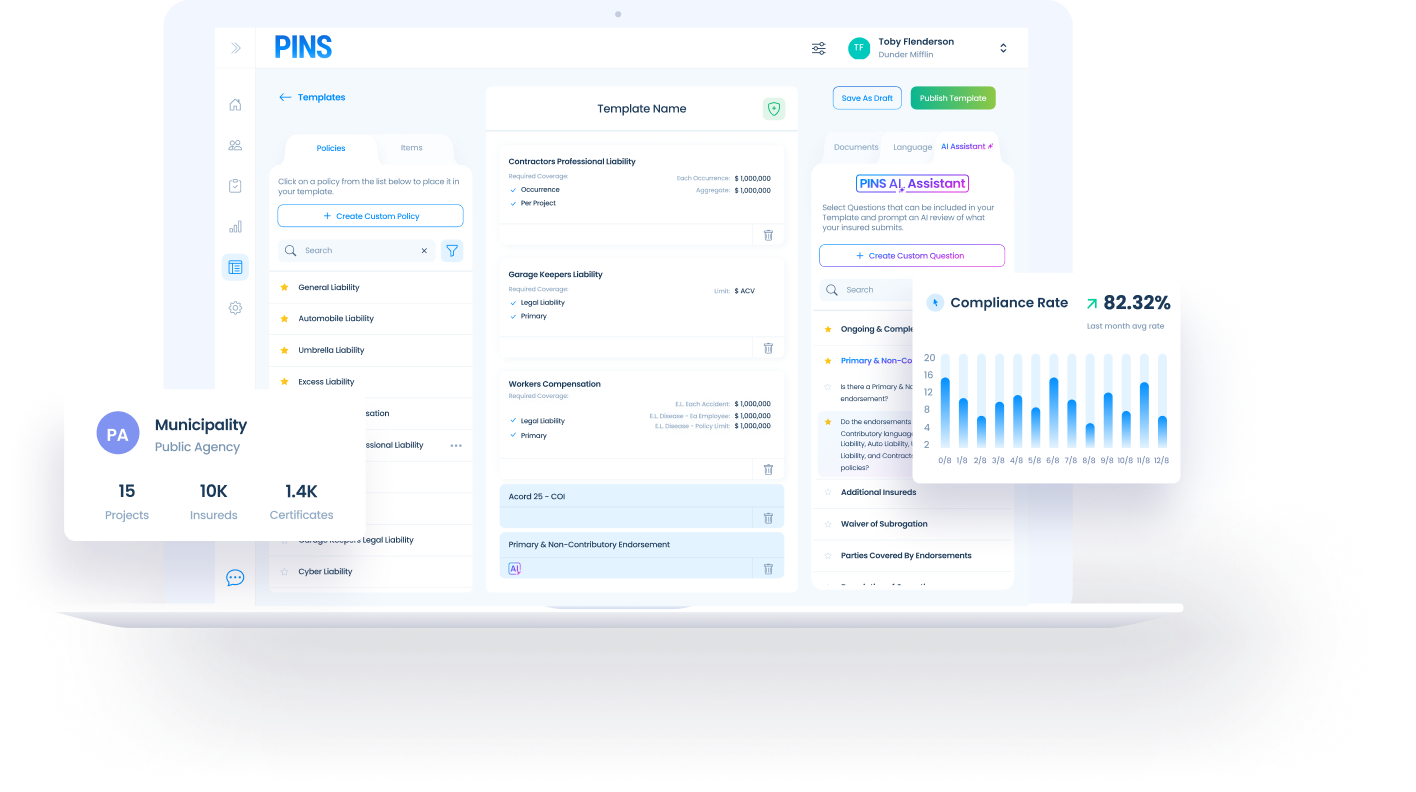
PINS AI Assistant helps teams review the full submission package, not just the certificate itself.

COIs
Reads certificate details like coverage types, limits, carriers, effective dates, and named insured information, then checks them against your insurance requirements.

Endorsements
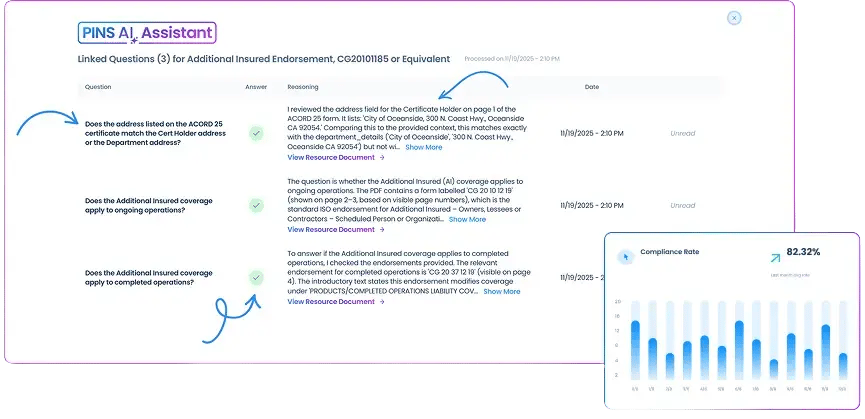
Reviews endorsement language to help confirm requirements like additional insured, primary and non-contributory, and completed operations.

Linked questions
Answers requirement-specific questions tied to your workflow, so reviewers get structured results instead of digging through every page manually.

Supporting documents
Pulls information from supporting materials when the answer is not fully contained in the COI, helping your team review the evidence behind the submission.
Clear outputs
Results your team can actually use
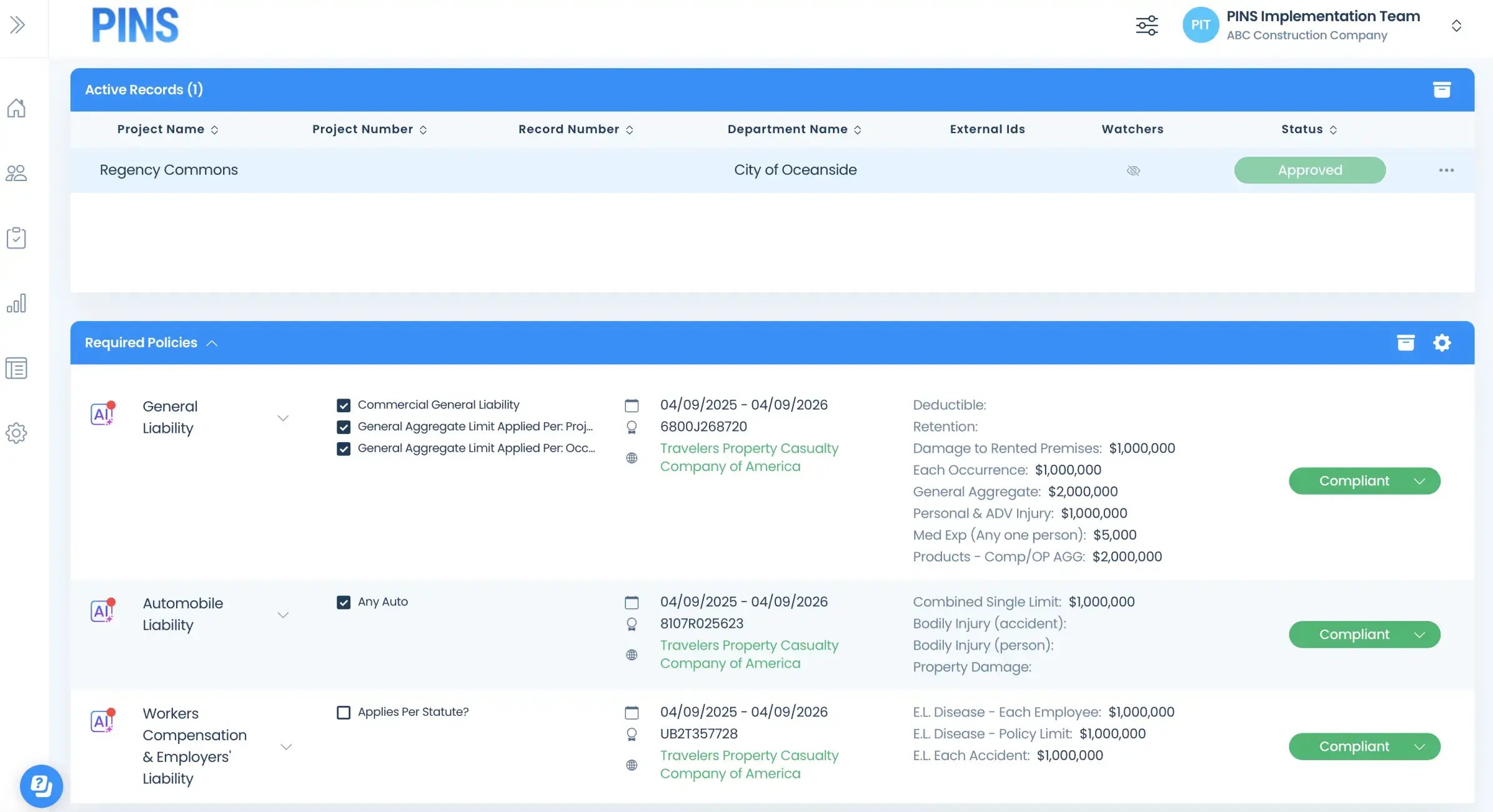
PINS AI Assistant returns clear review outputs your team can act on. You can see what passed, what needs review, where supporting evidence was found, and which items still need a human decision, so approvals and follow-up stay under your team’s control.
- Pass, fail, or needs review status
- Answers to coverage questions
- Flagged deficiencies or missing support
- Visibility into where the answer came from
- Approvals, follow-up, and exceptions stay with your team
Stop Reviewing.
Start Approving.