Competitor Comparison

PINS vs TrustLayer

Teams comparing PINS and TrustLayer are usually trying to solve the same problem: reduce manual compliance work without losing visibility into what is non-compliant, who owns the next step, and how requirements are being tracked.


PINS is the better fit for teams that want clearer workflow, stronger reporting visibility, and fewer manual workarounds once the system is live.

Quick comparison

PINS vs TrustLayer at a glance

The biggest difference is not whether the platform can collect and track documents. It is how easy it is to work through non-compliance, assignments, comments, and reporting once the system is live.

PINS
  • Easier to see what is non-compliant at a glance
  • Less manual review and navigation between records
  • Better visibility into activity, assignments, and ownership
  • Better reporting, filters, and workflow clarity

Best for teams that want clearer workflow with less manual effort.


TrustLayer

  • More manual review still happens in practice
  • Reporting and dashboards require workarounds
  • Less visibility into assignments and review activity
  • Non-compliance workflow hard to work through

Better fit for teams willing to accept more workflow workaround after go-live.

Third-party proof

What TrustLayer users say

Public reviews point to a familiar pattern: TrustLayer can help organize documents, but reporting can be confusing and the workflow still leaves too much manual review in place.

Not very focused on the entire document workflow. Sales team seems to oversell the AI, so every document still needs to be reviewed manually.

Deep comparison

PINS vs TrustLayer: a closer look

A side-by-side look at where workflow clarity and day-to-day execution matter most.

PINS
TrustLayer
Endorsement review
PINS

AI-assisted endorsement review with less manual checking.

TrustLayer

Endorsements still need to be read and reviewed manually.

Requirements setup
PINS

Requirements are easier to manage and apply where they belong.

TrustLayer

Requirements and compliance setup can still require manual work and correction.

Internal review workflow
PINS

Comments, decisions, and follow-up stay in one workflow.

TrustLayer

Internal review comments often still happen through email.

Assignment visibility
PINS

Clearer visibility into activity, ownership, and next steps.

TrustLayer

Less visibility into who is assigned to specific insureds.

Reporting and dashboards
PINS

Better reporting and filters for day-to-day management.

TrustLayer

Reporting can be rough enough that teams build custom workarounds.

Non-compliance workflow
PINS

Easier to see and work through non-compliant records.

TrustLayer

Non-compliance can be harder to work through and review at scale.

Workflow fit after go-live
PINS

Better fit for teams that want less manual effort once the system is live.

TrustLayer

More likely to create manual workarounds after go-live.

The biggest difference is not whether documents can be tracked. It is how much manual work is still left once the system is live.

Need help deciding?

PINS vs TrustLayer FAQ

Answers to the questions teams ask when comparing workflow clarity, reporting, and day-to-day compliance execution.

What is the biggest difference between PINS and TrustLayer?

The biggest difference is workflow clarity after go-live. PINS makes it easier to see what is non-compliant, who owns the next step, and how to work through issues without as many manual workarounds.

Why do teams choose PINS over TrustLayer?

Teams usually choose PINS when they want less manual review, clearer activity visibility, and better day-to-day workflow once the system is live. The goal is not just to store documents, but to make review and follow-up easier to manage.

Does PINS reduce manual endorsement review?
Yes. PINS uses AI-assisted endorsement review to reduce manual checking and give teams more context during review. That helps teams move faster without relying on manual reading of every endorsement.
Why do reporting and filters matter so much?
Reporting matters because teams need to quickly see what is non-compliant, what needs attention, and where work is getting stuck. If reporting is rough or hard to filter, teams end up relying on workarounds and manual follow-up.
How does PINS compare on internal workflow?
PINS keeps comments, decisions, and follow-up in one workflow so teams can see what happened and what needs to happen next. That is especially important when multiple people are working through compliance issues across projects or insureds.
How does PINS help teams work through non-compliance faster?

PINS makes it easier to see what is non-compliant, who owns the next step, and what still needs action. That helps teams work through issues faster without as much manual filtering, clicking, and back-and-forth.

Stop Reviewing.

Start Approving.

Schedule Demo
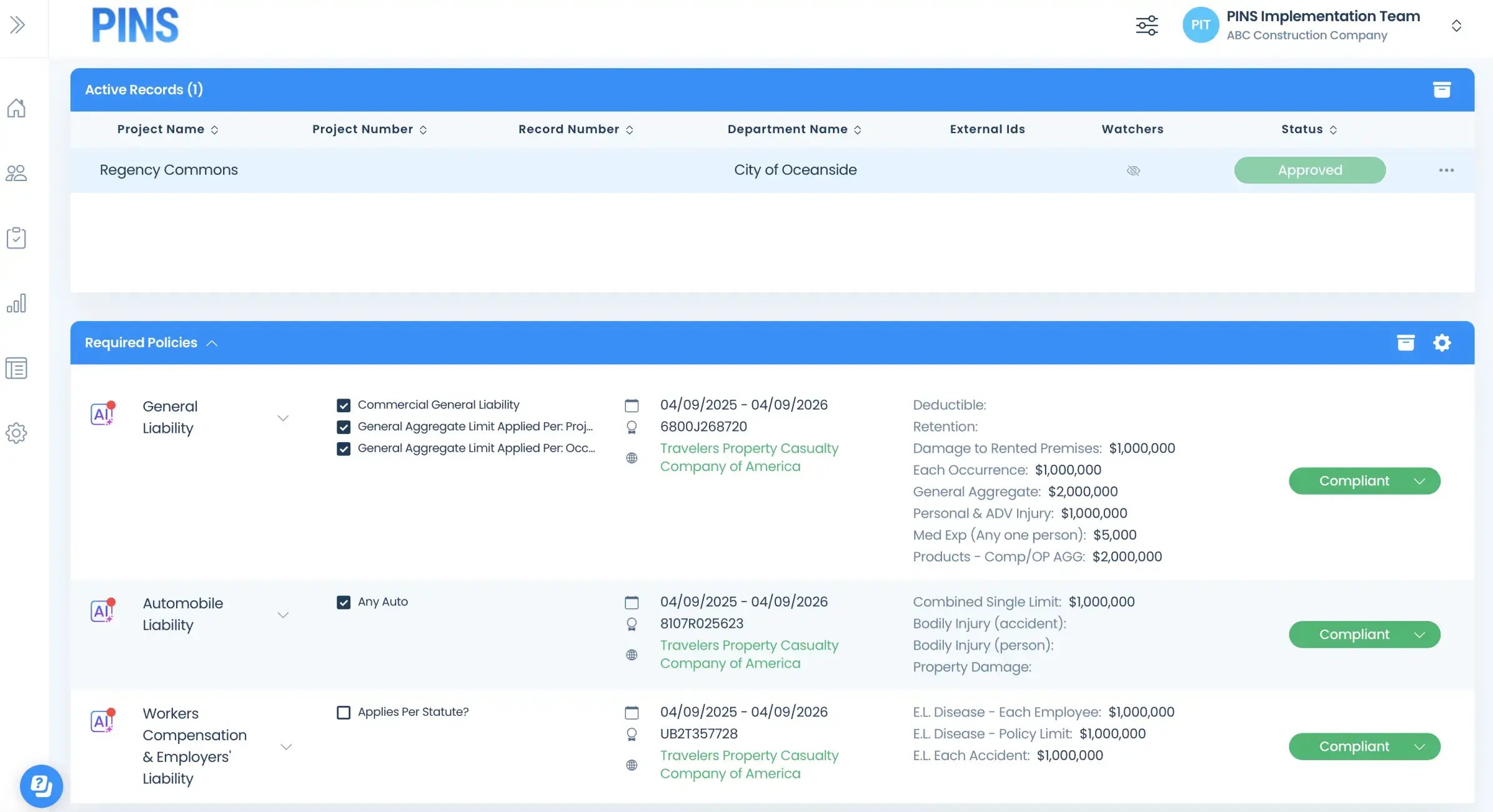
Insured Profile Page showing insurance policies in compliant status-1