Insurance collection often happens differently across departments, making it hard to enforce a consistent standard or know who is following process.
Insurance tracking software for public agencies
Track vendor and contractor insurance across departments, facilities, and contracts in cities, counties, districts, and other public agencies. Stay ahead of renewals and keep documentation ready when procurement, leadership, or auditors ask for it.
Want to see how AI helps review endorsements and supporting documents? Explore the AI Assistant.
Trusted by public agencies managing complex insurance requirements
Common breakdowns
Why public agency insurance tracking breaks down
When cities, counties, and districts manage vendor insurance department by department, visibility drops, renewals get missed, and contract compliance becomes harder to manage.
Requirements are applied inconsistently
Coverage limits often vary by department and contract type, but without a centralized system, those standards are hard to apply consistently.
Certificates may be collected when a contract is signed, but renewals often are not tracked through the full contract term.
Risk and procurement may both care about compliance, but neither has an easy way to see status across vendors, contracts, and departments.
Payment processing delays
When procurement cannot quickly confirm compliance, PO and payment processing becomes harder to move forward with confidence.
Waivers, approvals, and exceptions often do not stay tied to the right vendor, contract, or department, making future review harder.
A better way to manage insurance
Keep control without running insurance department by department
PINS gives risk and procurement teams at cities, counties, districts, and authorities a centralized process for collecting, reviewing, tracking, and reporting on vendor insurance across the organization.
Manual
Each department collects insurance its own way, renewals are easy to miss, and no one has a reliable view of compliance across the organization.
PINS
Centralize insurance tracking across departments, contracts, and vendors while keeping approvals, exceptions, and compliance decisions in-house.
Full Service
Outsource the work to a third party, but lose visibility into day-to-day follow-up, contract context, and how compliance decisions are being made.
How it works
Standardize insurance tracking across departments
PINS gives risk and procurement a centralized process for collecting, reviewing, tracking, and reporting on vendor insurance, without forcing each department to manage it on its own.
Set insurance requirements by use case
Organize the insurance requirements your agency uses across departments, contract types, or vendor categories, so teams start from a consistent standard.
Request and review vendor insurance
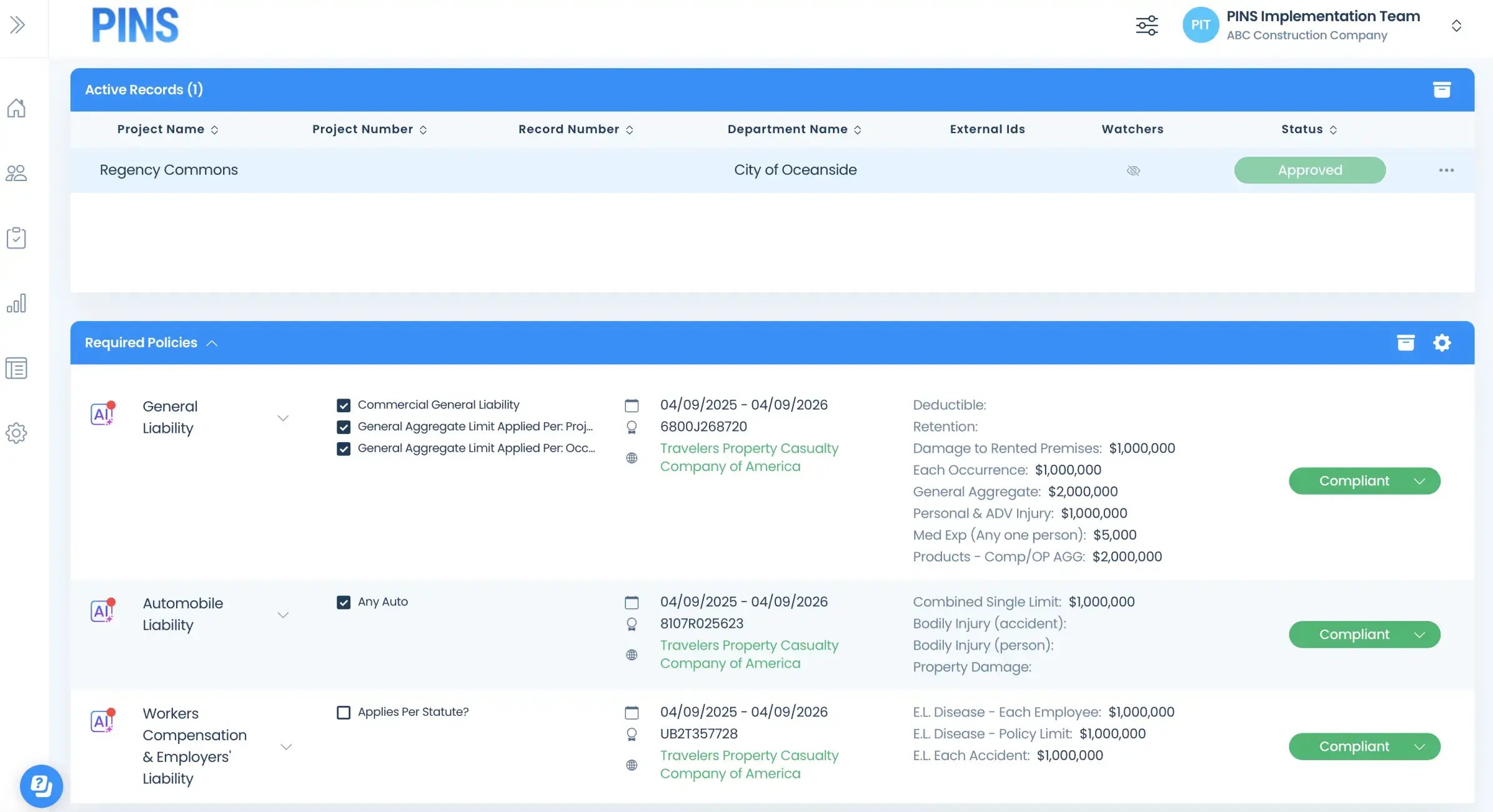
Collect COIs and supporting documents, review them against the right requirements, and keep approvals, waivers, and exceptions tied to the correct vendor and contract.
Track renewals throughout the contract term
Stay ahead of expirations on active contracts with a clear renewal process, instead of relying on departments to remember follow-up after initial collection.
Give risk and procurement clear visibility
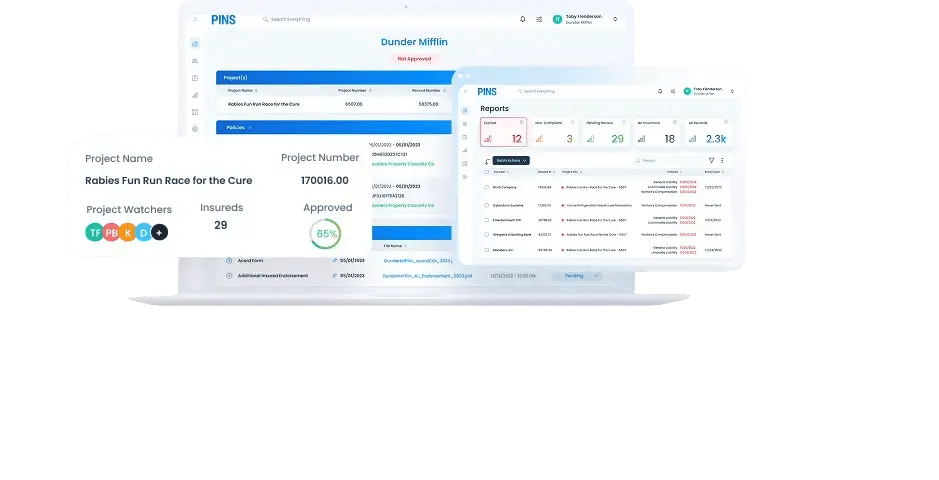
See compliance status across vendors, departments, and contracts, so your team can answer questions faster and support PO, payment, and reporting workflows with confidence.
FAQ
Vendor insurance tracking for public agencies: FAQs
Answers for cities, counties, districts, and other public agencies managing vendor insurance across contracts, departments, and facilities.
What types of public agencies is PINS built for?
PINS is a strong fit for public agencies that need a more consistent way to manage vendor insurance across departments, contracts, and locations. That includes cities, counties, districts, authorities, housing authorities, utilities, and other multi-department organizations managing ongoing vendor compliance.
How does PINS help public agencies standardize insurance tracking?
PINS gives risk and procurement a centralized place to track vendor insurance requirements, review submissions, monitor renewals, and report on compliance across the organization. Instead of each department handling the process its own way, your team can manage it with more consistency and visibility.
Can departments still stay involved in the process?
Yes. PINS does not require every department to give up control of vendor relationships. Many public agencies use PINS to centralize the insurance tracking lifecycle while still allowing departments to notify the right team when a new contract is signed or a new vendor needs to be reviewed.
Does PINS only work for vendors under contract?
Vendors under contract are the most common use case, but PINS can also support other third parties when insurance compliance needs to be tracked over time. That can include contractors, consultants, service providers, and other outside parties depending on how your agency is structured.
How does PINS handle renewals on multi-year contracts?
PINS helps public agencies track insurance expirations and renewal follow-up throughout the life of the contract, not just at initial collection. That makes it easier to maintain compliance on active agreements and reduce the risk of expired coverage going unnoticed.
Can risk and procurement both use PINS?
Yes. PINS is designed to give risk and procurement a shared view of compliance status across vendors, contracts, and departments. That makes it easier to answer questions, support PO and payment workflows, and understand where follow-up is needed.
How does PINS handle waivers, approvals, and exceptions?
PINS helps keep waivers, approvals, and exceptions tied to the right vendor and contract context, so those decisions are easier to track and reference later. Your team keeps control of the approval process rather than handing those decisions off to a third party.
Do vendors need to log in to submit insurance?
No. PINS is designed to make submission easier for vendors and brokers, including simple upload workflows that do not require a complicated login process.
Stop Chasing COIs.
Start Approving.