Time Savings Calculator

How much time could your team save on COI tracking?

Enter your annual COI volume to estimate how much admin time PINS could help you recover each year.

Instant estimate
No email required
Based on annual COI volume

Choose the volume range that best matches your team.

How it works

See how the estimate is calculated

A few quick inputs turn into an estimate of how much admin time your team could recover each year.

Step 1

Enter your annual COI volume

Start with the number of COIs your team tracks in a typical year.

Step 2

Get your time savings estimate

See estimated hours and workdays recovered based on a manual COI process.

Step 3

Use it to evaluate next steps

Review the result internally or request a tailored pricing estimate for your volume.

Who this is for

Built for teams where COI work is eating up too much time

This calculator is most useful for teams managing enough COI volume that renewals, follow-up, and compliance review start turning into repetitive admin work.
  • You track hundreds or thousands of COIs each year
  • Renewal follow-up takes too much manual effort
  • Your team is juggling COIs in spreadsheets, email, and shared inboxes
  • You want a clearer view of how much time automation could give back
1 min
Typical time to complete
200
COIs is when it gets hard to track
85%
Time savings PINS often helps create
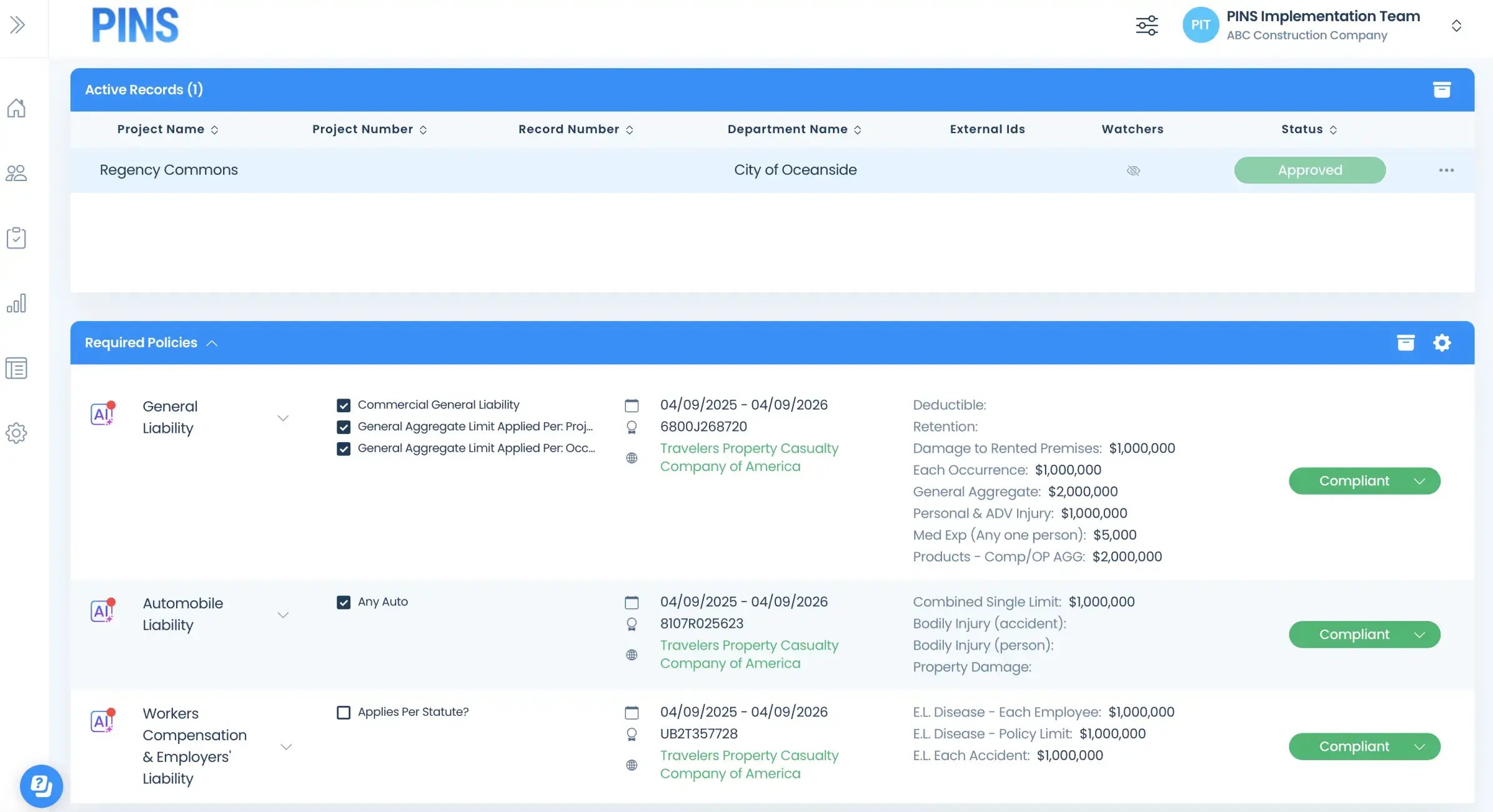
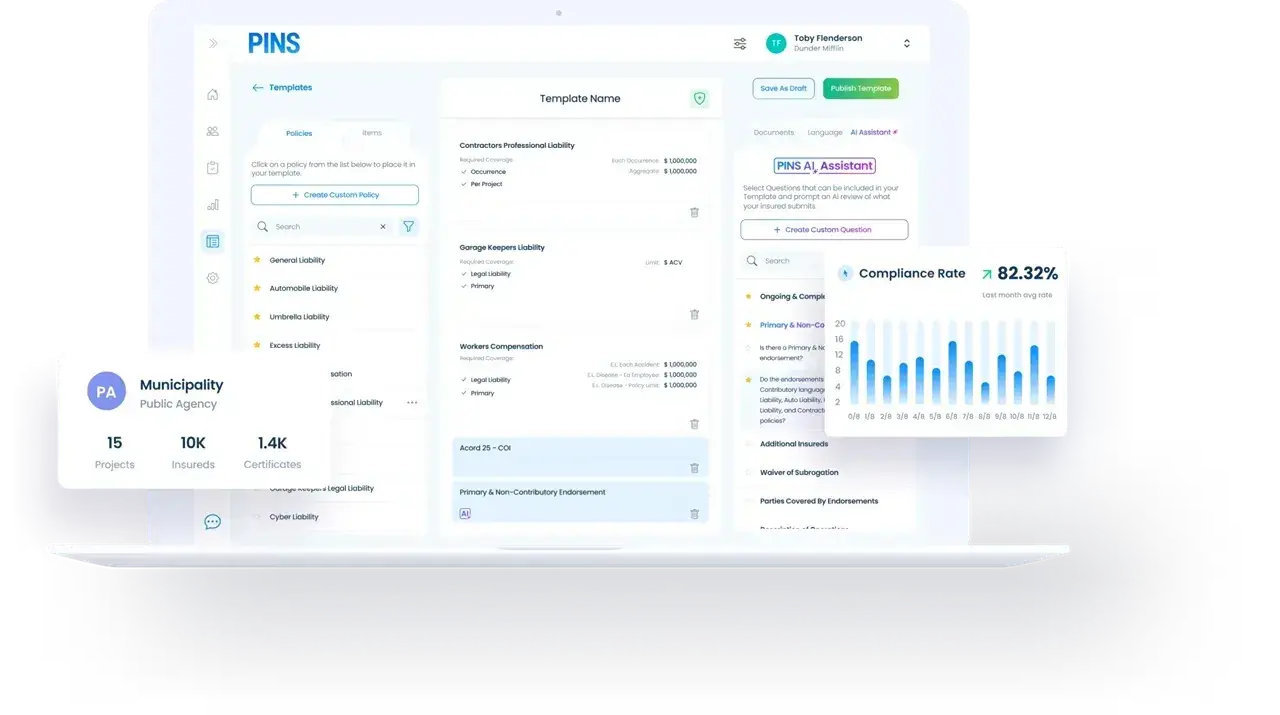
COI Compliance dashboard on laptop

What the time savings unlocks

What teams do with the time they get back

Recovered time means less manual follow-up, fewer bottlenecks, and more room for work that actually matters.

Less renewal chasing

Spend less time tracking down expirations and following up across inboxes and spreadsheets.

Faster follow-up

Keep collection and review work moving instead of letting small delays stack up.

More time for higher-value work

Give your team more room for exceptions, problem solving, and work that needs judgment.

A more manageable process

Reduce the repetitive admin work that makes COI tracking feel reactive and hard to control.

FAQ

Time Savings Calculator FAQs

Common questions about how the estimate works, what it assumes, and what to do next.

How is the time savings estimate calculated?

The estimate is based on your annual COI volume and assumes a manual process for COI collection, renewal follow-up, and compliance review.

Do I need exact numbers to use the calculator?

No. The calculator is designed to give you a directional estimate, so you can use a reasonable annual COI volume without pulling exact reports first.

What does the estimate include?

The estimate is meant to reflect admin time tied to core COI work, including collection, renewal follow-up, and compliance review.

Is the estimate personalized to my team?

The calculator gives you an instant estimate based on annual COI volume. If you want a more tailored view, you can request a pricing estimate based on your volume.

Do I need to enter my email to see the result?

No. You can calculate your estimated time savings without entering an email.

What should I do after I get my result?

Stop Chasing.

Start Managing.

Calculate Time Savings
Insured Profile Page showing insurance policies in compliant status-1