COI Tracking for Residential Contractors
You work with the same framers, plumbers, and electricians across every job. You shouldn't have to chase them for a certificate of insurance every time a policy renews.
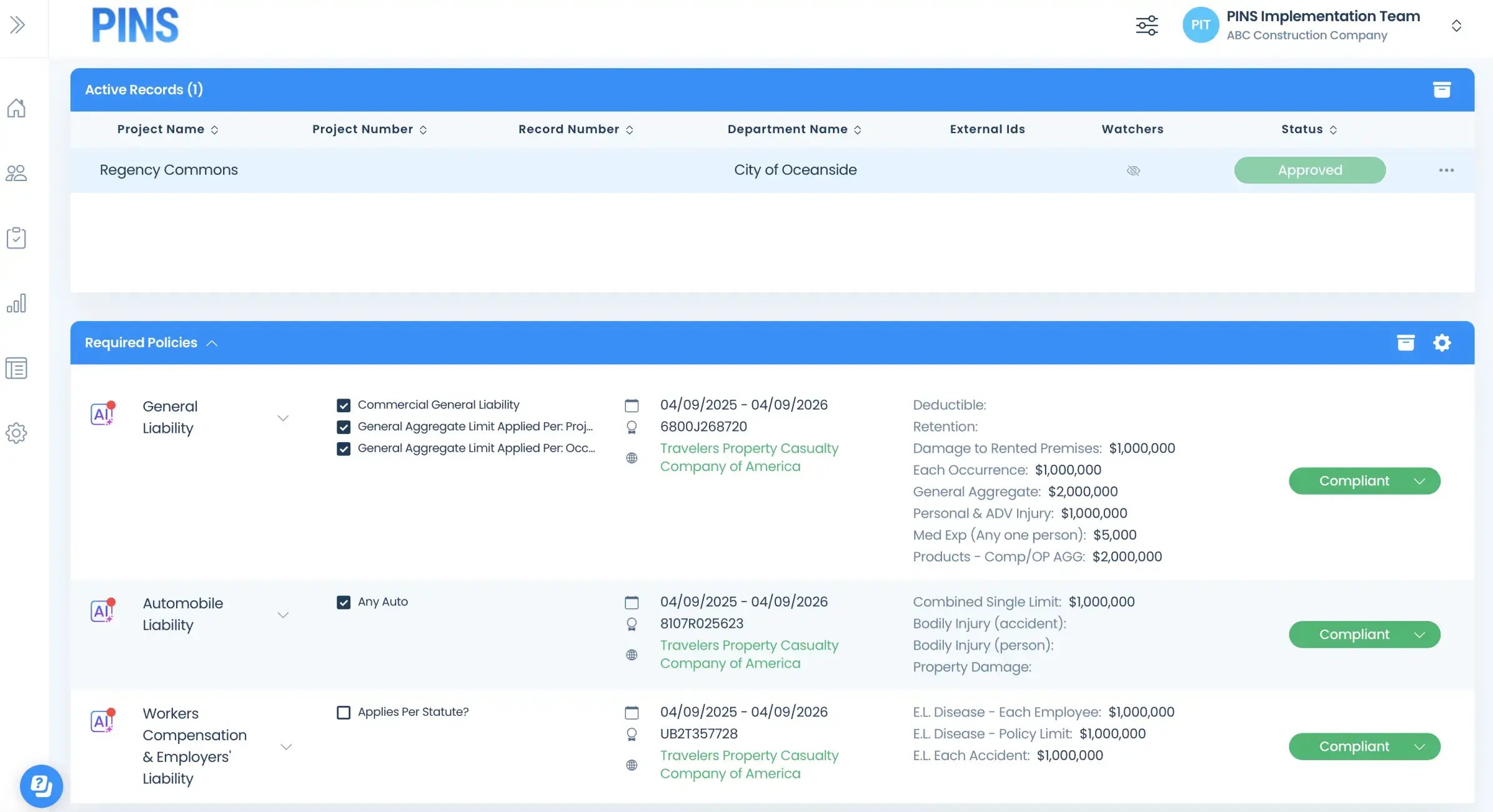
PINS tracks every sub COI automatically, sends renewal notices on your behalf, and keeps your records current without you lifting a finger.
Where it gets complicated
COI tracking gets harder as your project roster grows
The same sub works across multiple jobs simultaneously
When your framer or electrician is on four active builds at once, their COI expiration hits every project at the same time. Tracking it manually means someone has to stay on top of renewals constantly across the whole roster.
How PINS helps
Subs don't tell you when their coverage lapses
Subs aren't thinking about your compliance requirements when their policy comes up for renewal. They'll let coverage lapse and keep showing up to work. You find out when something goes wrong, not when the policy expired.
What PINS does
PINS automatically tracks expirations and requests renewals ahead of time, so you're collecting renewals before coverage lapses.
The paperwork adds up fast across a full sub roster
A residential GC with 15 active subs across 10 jobs is managing a lot of moving pieces. Doing that manually means someone is always either chasing documents or hoping nothing has expired.
Common Gap
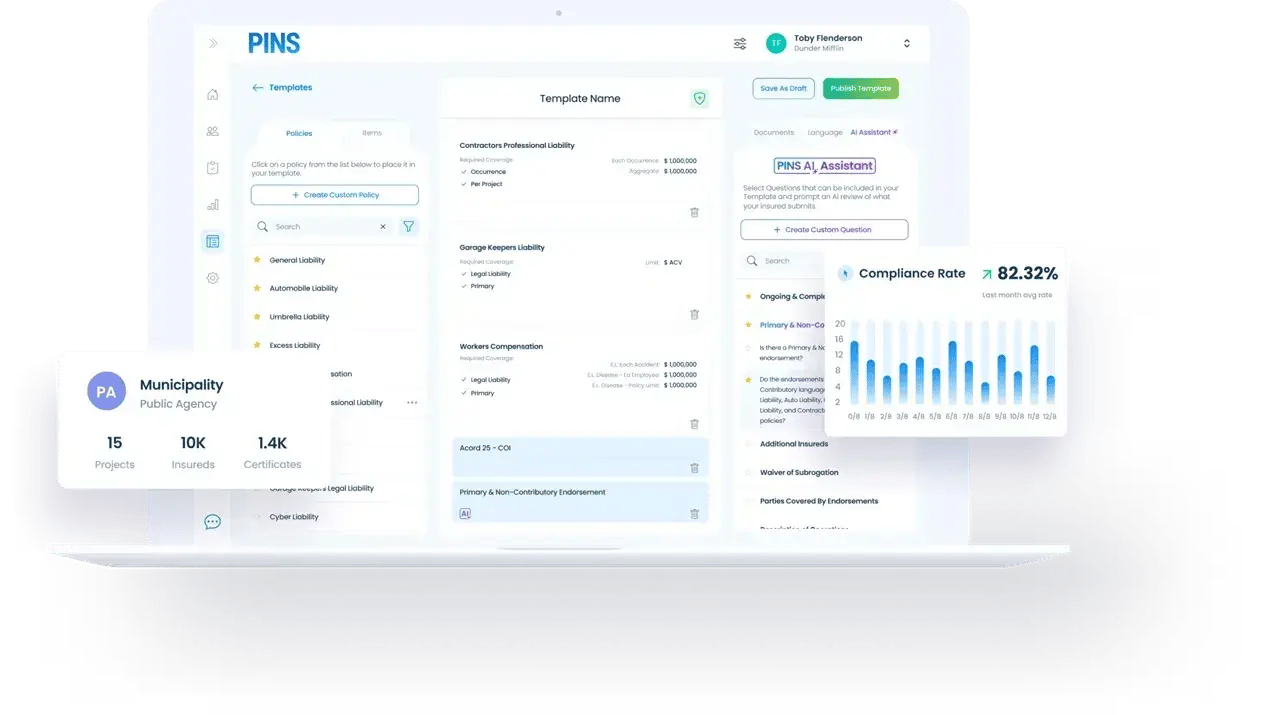
Most residential teams track COIs in a spreadsheet or not at all. PINS replaces the spreadsheet with automation that runs in the background.
How PINS Works
One Upload. Continuous Compliance.
PINS sets requirements and sends requests
Vendor uploads documents
AI reviews. Your team approves.
PINS requests renewals
Why teams switch to PINS
What happens after switching
Residential GCs don't need a complicated compliance program. They need COI tracking that runs in the background without adding work to their plate.
reduction in admin time spent managing subcontractor COI compliance
ongoing compliance rate across active subcontractor rosters
to process expired notices, as the software tracks expirations and requests renewals automatically
What risk teams say after switching

FAQ
Common questions from residential contractors
Does PINS work for residential contractors?
Yes. PINS is built for residential GCs and homebuilders that work with a rotating pool of subs across multiple active projects. The platform automatically collects certificates of insurance, sends renewal notices before policies expire, and keeps records current without manual follow-up. For residential teams where COI tracking has meant spreadsheets and chasing the same subs every six months, PINS handles the process in the background so it stops taking up time on your team.
We use the same subs on every job. Does PINS work for that model?
Yes, that's the most common residential workflow. PINS links each sub to every active project they're associated with, so when a policy renews it's tracked across all their jobs at once. You configure their requirements once and PINS handles renewal notices and compliance status from there.
How do subs submit their certificates of insurance?
Subs receive an email with a secure upload link. They don't need to create an account or log in and can upload the certificate directly. Once received, PINS reviews it against your requirements and updates compliance status automatically.
What if a sub lets their policy lapse?
PINS sends automated renewal notices to subs and their brokers before policies expire. If a policy lapses anyway, PINS notifies your team so you know before the sub shows up to a job without coverage.
How long does it take to get set up?
Most residential teams are up and running within a few weeks. PINS handles onboarding, helps load your existing sub roster, and gets collection requests out so you're current quickly.
Stop Chasing COIs.
Start Approving.