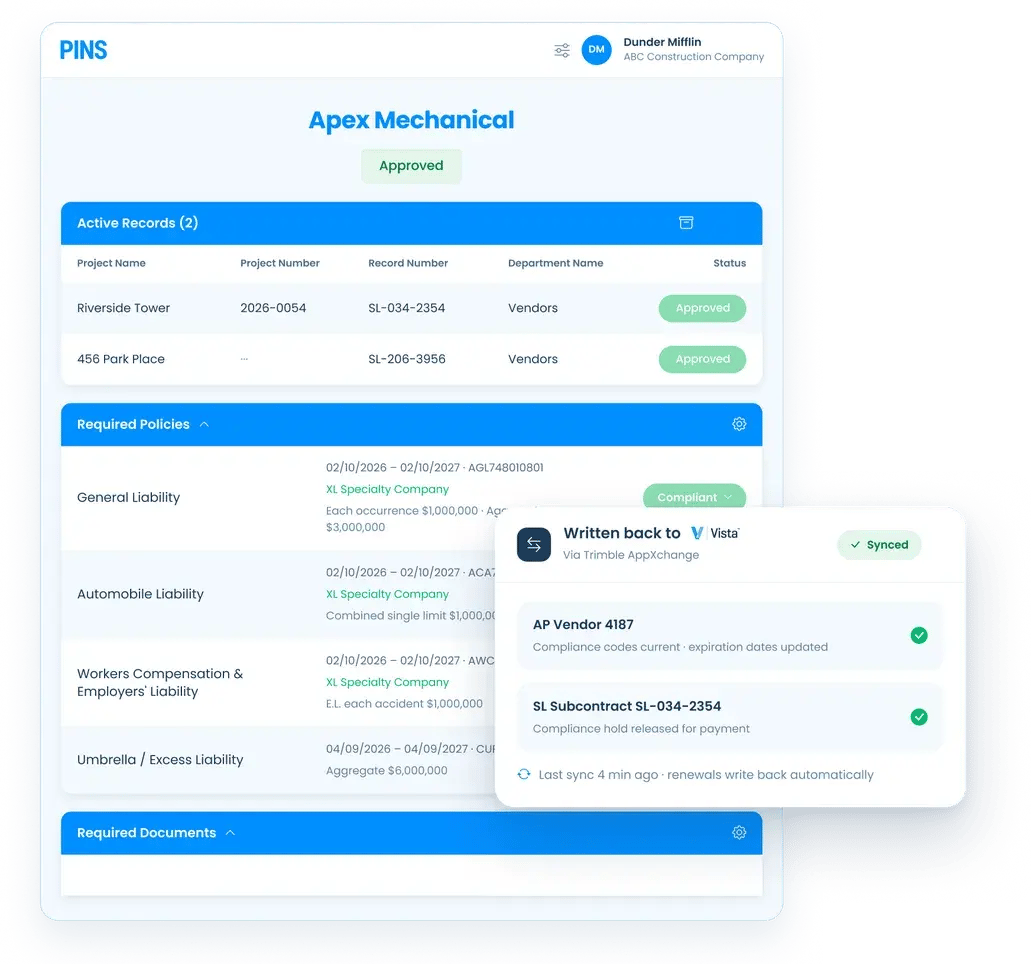
Configurable write-back to Vista
Push yes/no status, expiration dates, or both to Vista at the AP Vendor level, SL Subcontract level, or both. Write-back maps to your existing Vista compliance setup.
Vista tracks compliance codes at the vendor and subcontract level. The gap is keeping those codes current when certificates of insurance expire, subcontracts change, and vendors go non-compliant.
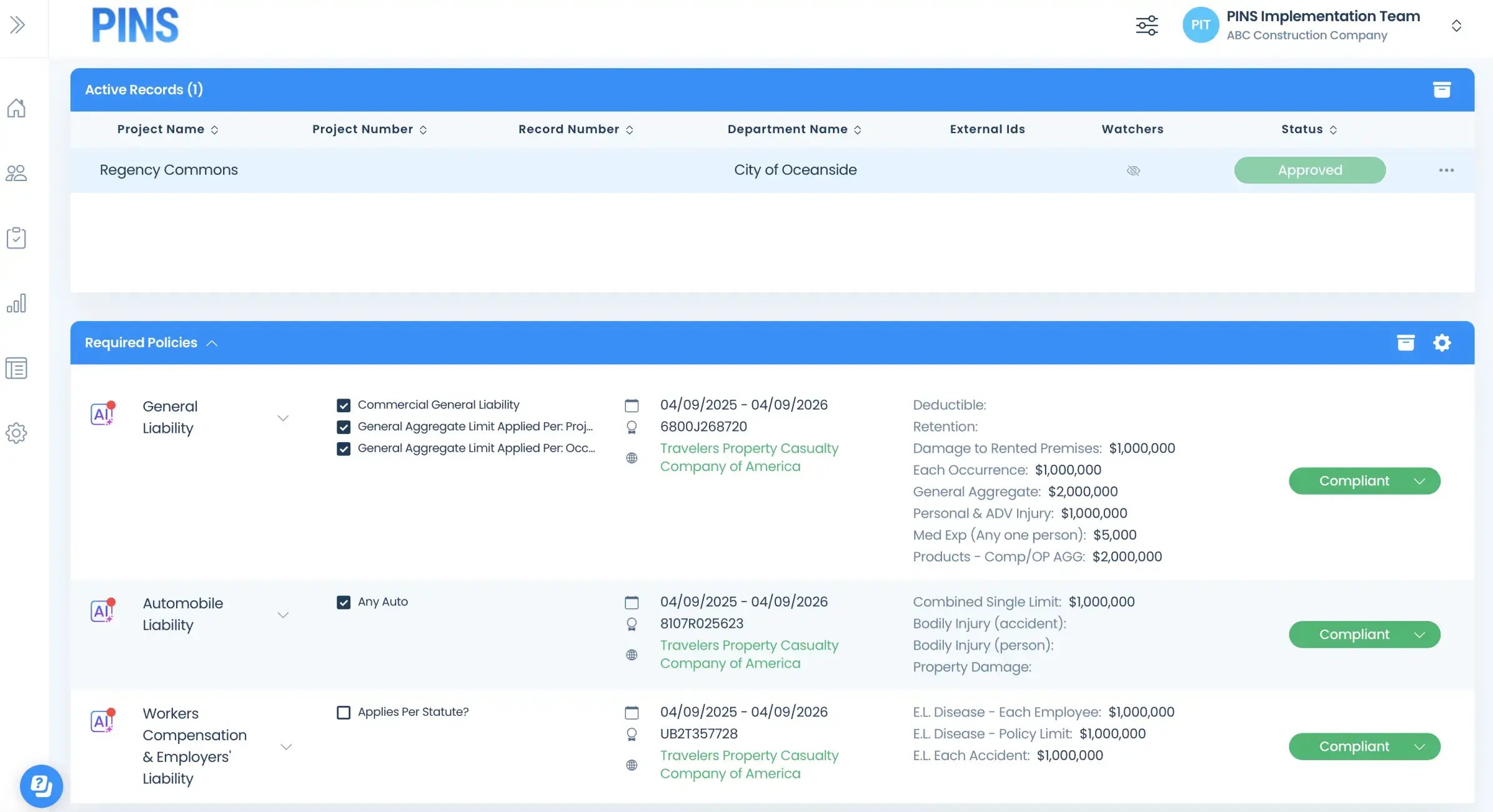
PINS connects to Vista through Trimble AppXchange. Vendors submit COIs, W-9s, contractor licenses, and other required documents through a no-login upload link. PINS reviews submissions against your requirements and writes compliance status back to Vista: at the AP Vendor level, the SL Subcontract level, or both.
See how COI tracking software works behind the integration.
How It Works
Vendors and brokers submit through a simple upload link. No login required.
Key Features
Push yes/no status, expiration dates, or both to Vista at the AP Vendor level, SL Subcontract level, or both. Write-back maps to your existing Vista compliance setup.
Compliance status writes back to Vista automatically. Your AP team can use Vista's payment controls as intended without manually checking compliance before every payment run.
COIs, endorsements, W-9s, contractor licenses, and other documents tracked in PINS can roll up to a single compliance code in Vista or you can send a unique comp code for each requirement. Configuration choice is yours.
PINS reviews each document against your requirements and identifies issues. Your team makes the final call. The comp code that writes back to Vista reflects a real review, not a rubber stamp.
The integration pushes AP Vendor and SL Subcontract records to PINS without any manual import. New subcontracts are tracked from the moment they are created.
PINS tracks expiration dates and sends renewal reminders before certificates lapse. Vista's compliance status stays current because the underlying documents stay current.
For AP and Compliance teams
What AP sees in Vista

What Compliance manages in PINS
For teams also running Procore, PINS integrates natively with both. See how the Procore integration works.
Vista Integration FAQ
Vista includes compliance code fields that can flag a vendor or subcontract record as compliant or non-compliant. However, Vista does not collect, review, or store COI documents, endorsements, or other insurance certificates. Teams that rely on Vista alone for compliance tracking typically handle document collection and review outside the system, then update compliance codes manually. PINS connects to Vista to automate that full workflow: collecting documents from vendors, reviewing them against your requirements, and writing compliance status back to Vista automatically so your AP team never has to cross systems.
PINS writes compliance status back to AP Vendor Compliance, Subcontract Compliance, and PO Compliance fields in Vista. The integration supports both AP Vendor and SL Subcontract record types. Which record types are in scope depends on how your team uses Vista and how the integration is configured during onboarding.
Yes, when PINS is configured to support it. The stop payment flag in Vista relies on compliance code updates, and PINS writes those updates automatically as document status changes. If a certificate expires or a gap is identified in PINS, the compliance code update flows to Vista and the flag reflects the current status. Your AP team does not need to manually update Vista when compliance changes.
PINS supports both. Flag-type compliance codes are updated when a vendor or subcontractor moves in or out of compliance. Date-type codes are updated with the relevant expiration or effective date from the document. Which code type PINS uses depends on how your Vista environment is configured. Your implementation contact will confirm the right setup during onboarding.
Most teams go live within 60 to 90 days depending on scope and the number of vendors being onboarded. The implementation includes configuring compliance requirements, connecting the Vista integration, and migrating any existing vendor records. A dedicated PINS implementation contact manages the setup and remains your primary contact after go-live.
Stop Reviewing.
Start Approving.