Integrations

Integrations that keep compliance in your workflow

PINS keeps compliance decisions in one place, while project and finance teams stay in the systems they already use.

Project teams see Approved or Not Approved inside Procore. Finance teams can control payment in Vista. Risk teams keep waiver history and policy checks in PINS.

Compliance where decisions happen

Keep teams in their workflow, without losing control

PINS keeps compliance decisions and history in one place, while project and finance teams stay in the tools they already use.

Project teams get clear status in Procore

Check compliance status where you manage work, and gate job site access without switching tools.

Finance can control payment in Vista

PINS writes compliance status back into Vista so payment controls happen in the accounting workflow, not in email threads.

Risk keeps the source of truth

Waiver history, exceptions, and policy checks stay tied to each third party so decisions stay consistent as volume grows.

Procore integration

COI compliance status inside Procore, tied to the commitment

PINS is available in a Procore side panel so project teams can see an Approved or Not Approved status without leaving Procore. When more detail is needed, the side panel links directly to the matching record in PINS.

What teams see in Procore

  • Approved or Not Approved status for each commitment
  • A side panel view that is accessible from key Procore pages
  • One click access into the matching record in PINS for deeper detail
  • Real time sync so status stays current as COIs are reviewed

What is managed in PINS

  • Requirements and templates tied to the project or vendor
  • COI and endorsement review, including exception and waiver decisions
  • Renewal outreach and reminders so expirations are caught earlier
  • Central history so decisions stay consistent across reviewers and projects
Where it appears
Commitments, Contracts, Prime Contracts, Change Events, Budget, Submittal Logs, Project Directory, Observations, RFIs, Inspections, Correspondence, Schedule
How status is shown
Procore side panel displays Approved or Not Approved
How teams get details
Clicking the record opens the matching commitment detail in PINS (login required)
Sync frequency
Real time

Vista integration

Compliance status written back to Vista for payment control

PINS tracks vendor and subcontractor compliance in one place, then writes status back into Vista so accounting controls can happen inside your payment workflow. You can push an overall Approved or Not Approved status, policy level flags and dates, or both.

What teams see in Vista

  • Compliance status is written back to Vista where your AP and subcontract workflows live
  • Status can be used for stop payments and other payment controls
  • Configurable by entity: AP Vendors, SL Subcontracts, or both
  • Hourly refresh keeps compliance status current for accounting teams

What is managed in PINS

  • COI and endorsement review, including exceptions and waiver decisions
  • Automated renewal outreach and reminders so expirations are caught earlier
  • Centralized history tied to each third party so decisions stay consistent
  • Compliance dashboard for risk and operations visibility across projects
Where it applies
AP Vendors and SL Subcontracts (configurable)
What is written back
Overall Approved or Not Approved status, policy level flags and or dates, or both
How teams get details
Compliance is visible in Vista; deeper review and decision history stays in PINS
Sync frequency
Updates every hour

API integration

Sync COI compliance data into the systems you already run

The PINS API is used to sync compliance status and related COI data between PINS and your internal systems. Most teams use it for reporting, operational workflows, and downstream enforcement, while PINS remains the system of record for insurance decisions and history.


Access is provided with API credentials. PINS supports integration design, provisioning sandbox environments, and troubleshooting during implementation.

Common API use cases

  • Sync vendor and third party compliance status into internal systems
  • Feed dashboards and reporting (Power BI and other BI tools)
  • Trigger operational workflows based on Approved or Not Approved status
  • Keep waiver and exception history attached to each third party for reference
  • Export structured compliance data for audits, renewals, and downstream workflows

Systems teams connect to PINS

  • Power BI (reporting and dashboards)
  • Workday
  • Tyler (Munis and New World)
  • COINS
  • PropWorks
  • Other internal data warehouses and finance or procurement tools
Credentials
Provided when API access is enabled
Primary use
Data sync between PINS and other systems
Implementation support
PINS assists with integration design and troubleshooting, including sandbox environments
Update frequency
Depends on integration design (real time or scheduled sync)

Stop Reviewing.

Start Approving.

Schedule Demo
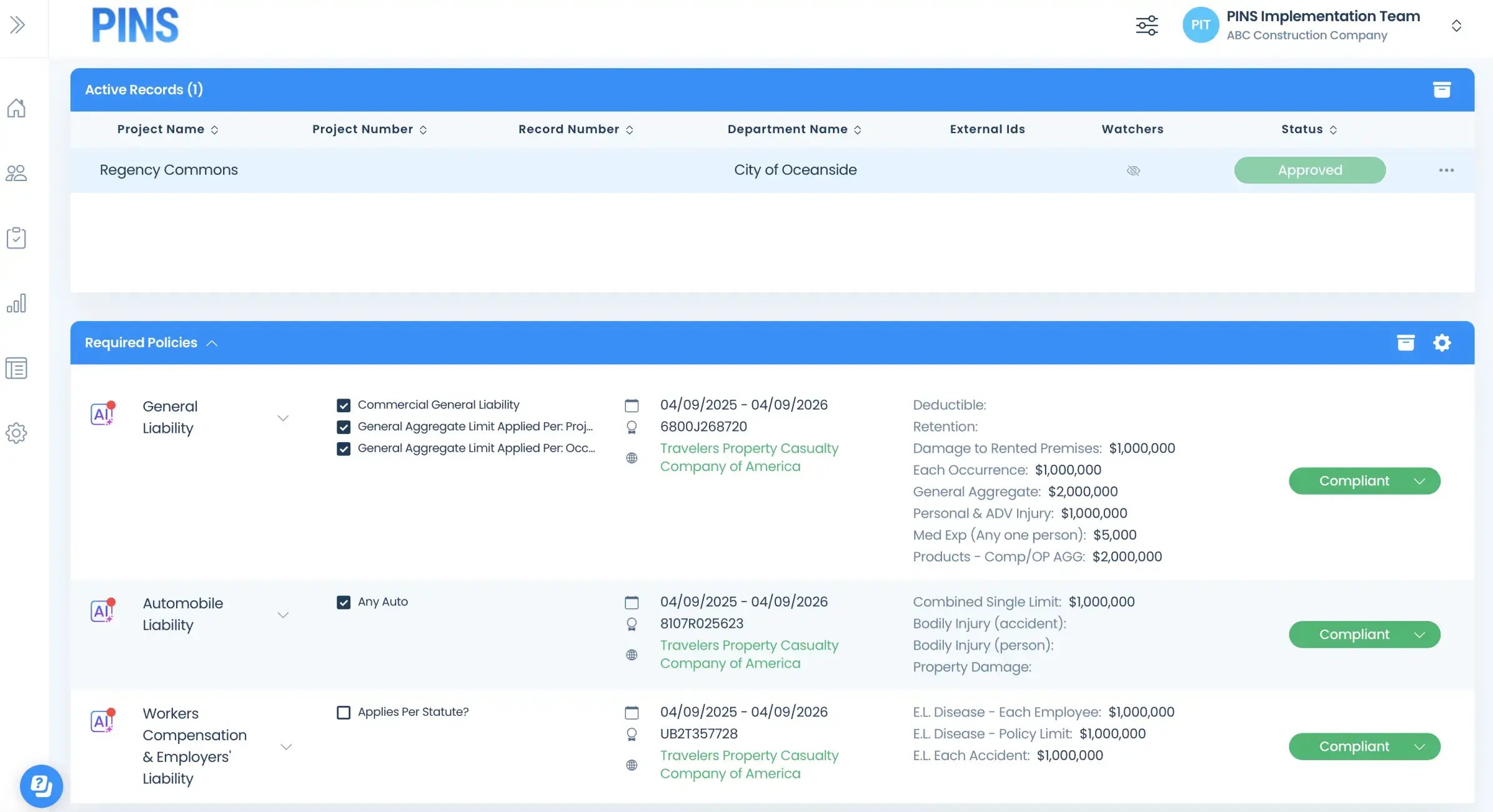
Insured Profile Page showing insurance policies in compliant status-1