Competitor Comparison

PINS vs myCOI

Teams comparing PINS and myCOI are usually deciding between two models: one that promises a more hands-off approach, and one that helps you automate the busywork while keeping compliance decisions with your team.

Including illumend, myCOI’s newer AI-led platform.

Quick comparison

PINS vs myCOI at a glance

PINS is built for teams that want automation with control. illumend appeals to teams that want to be less involved in day-to-day COI review, but exceptions and review friction still pull you back in. 

PINS
  • Your team keeps final say on approvals, waivers, and exceptions
  • No vendor login required for subcontractor and broker uploads
  • Lower-cost, more predictable pricing as volume grows
  • Built for project-level construction compliance

Best for teams that want automation without giving up control.

myCOI

  • Appeals to teams that want to step back from day-to-day COI review
  • Exceptions still pull internal teams back into the process
  • Vendor account setup can add extra friction
  • Less direct control over review and follow-up

Best for teams that prioritize convenience over direct control.

Third-party proof

What myCOI users say

Review sites point to a familiar pattern: slower turnaround, less visibility into what happens next, and more friction when teams need to manage exceptions.

MyCOI takes longer than I would like to review insurance certificates and to process override requests.

G2 review

When there is a situation, it’s not always clear what steps have been taken or what still needs to be taken to get compliant COIs.

Capterra review

Why teams switch:

PINS gives teams more visibility, faster follow-up, and more control over how compliance gets resolved.

Deep comparison

PINS vs myCOI: a closer look

A side-by-side look at where the operating models differ most.

PINS
Illumend
Best fit
PINS

Automation with control still in-house

Illumend

A hands-off model that gives up control

Pricing approach
PINS

Transparent, predictable pricing

Illumend

Service-heavy approach that is often 3x the cost

Human control over decisions
PINS

Full control. You set the rules, AI flags risks but your team owns final decisions

Illumend

Black-box review model, where approvals happen without human validation

AI review
PINS

Fast AI COI and endorsement review with immediate feedback and insight

Illumend

Up to 48 hours for endorsement analysis to be reviewed by human team

Third-party upload experience
PINS

Intuitive drag and drop, OCR tool extracts data with instant feedback and automated reminders

Illumend

Gated behind need to create vendor login account

In-app communication
PINS

Built-in collaboration tools for quick follow-ups, notes, and direct communication within the platform

Illumend

Subs communicate with AI chat bot, not real humans

Analytics Dashboard
PINS

Robust reporting with visual compliance tracking, risk insights, and seamless exports for project teams

Illumend

Risk insights and compliance snapshots but lacks intuitive experience many need for daily use

The biggest difference is not the feature list, it is how much visibility and control your team keeps once review starts.

Need help deciding?

PINS vs myCOI FAQ

Answers to the questions teams ask when comparing a more hands-off model with a control-first software approach.

What is the biggest difference between PINS and myCOI?

The biggest difference is who stays in control once review starts. PINS helps your team automate collection, reminders, review support, communication, and documentation while keeping approvals, waivers, and exception decisions in-house. myCOI is built around a more hands-off model, which may sound appealing, but usually comes with less visibility and less direct control.

Does PINS use AI to review insurance documents?

Yes. PINS uses AI to help your team review COIs and supporting documents faster, surface missing items, and reduce manual work. The goal is not to replace your team’s judgment. Your team still decides what gets approved, rejected, waived, or escalated.

Is PINS only a fit for general contractors?
No. PINS is a strong fit for general contractors, but the model works well for any team managing high volumes of insurance documents and needing better control, visibility, and documentation. The best fit is a team that wants automation without turning the review process into a black box.
Will our team still have to be involved in the process with PINS?
Yes, but in a much more focused way. PINS removes a large amount of the admin work around collection, follow-up, tracking, and documentation. Your team stays involved where it matters most, especially on exceptions, waivers, and final approval decisions.
Why do teams switch from myCOI to PINS?
Teams usually switch for two reasons. Internally, they get tired of still being pulled into the process while paying for the promise of not having to be involved. Externally, subcontractors and vendors get frustrated working through a third-party review team that often lacks the context, urgency, or practical understanding needed to move issues forward quickly. PINS gives teams a way to reduce the admin work without giving up control or creating more friction for the people submitting insurance.
How does PINS handle audit prep and documentation?

PINS keeps communication history, compliance records, and supporting documents in one place, which makes audit prep much easier. Teams can quickly export reports, show what was requested, what was received, what was approved, and where exceptions were made, without digging through inboxes or scattered files.

How should I decide between PINS and myCOI?
If you want a more hands-off model and are comfortable giving up some visibility and control, myCOI may appeal to you. If you want software that reduces admin drag while keeping approvals, waivers, and exception decisions with your team, PINS is usually the better fit.

Stop Reviewing.

Start Approving.

Schedule Demo
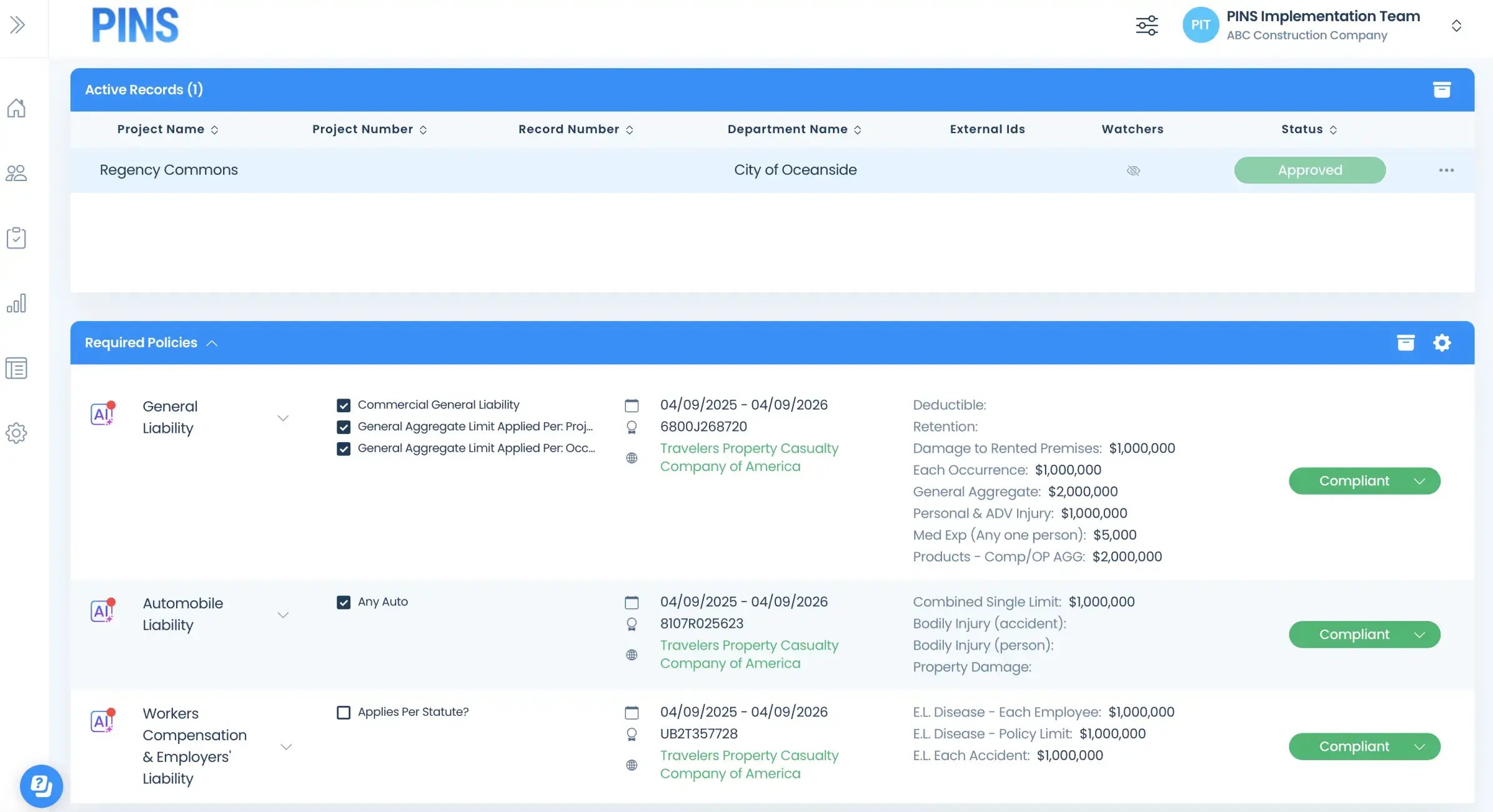
Insured Profile Page showing insurance policies in compliant status-1