Last updated: October 12, 2026
How to Choose COI Tracking Software: An Evaluation Guide
Choosing COI tracking software comes down to one decision most buyers skip: do you want software your team runs, or a service that runs it for you. That choice shapes everything else, from how much your team is involved day to day to how quickly problems get resolved. Once you have settled it, the rest of the evaluation is about matching specific features to how your team actually works.
This guide walks through how to evaluate COI tracking software, starting with the operating model decision, then the categories that matter after go-live, the questions to ask in a demo, and the red flags to watch for in vendor responses.
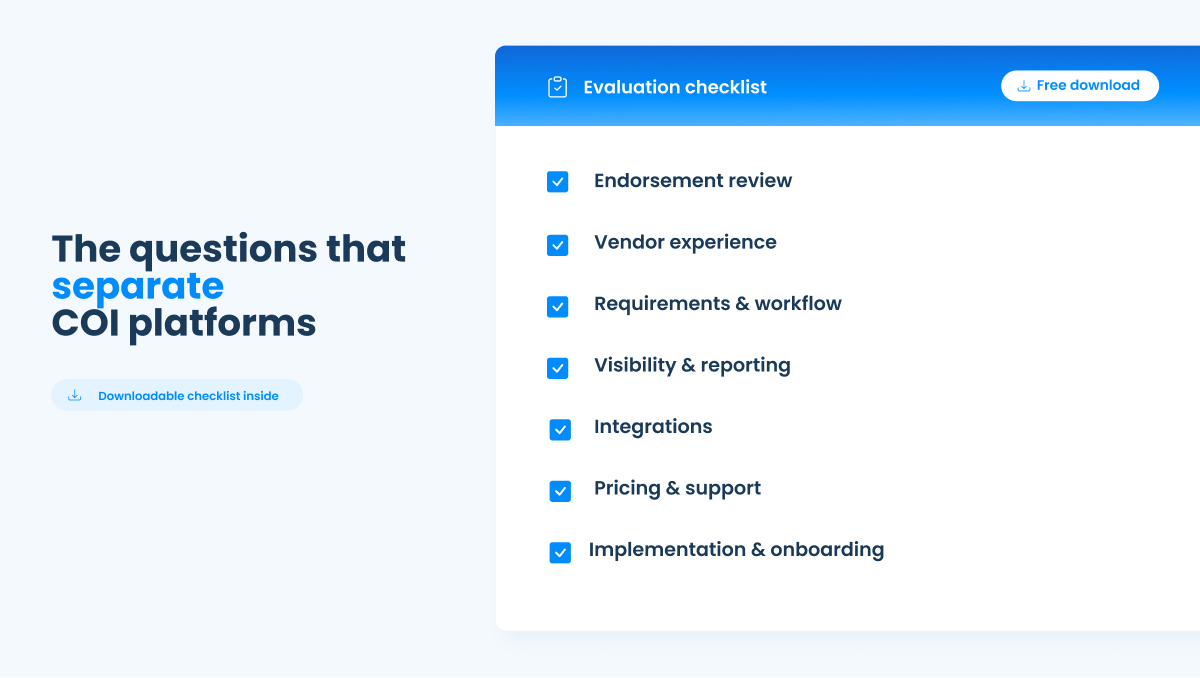
Before diving in, we built a COI Tracking Software Evaluation Checklist to go alongside this guide. 22 questions in a fillable PDF so you can compare up to three vendors side by side.
Start with the operating model decision
Before comparing features, decide which of three models fits your team.
Self-service software gives your team the tools to manage compliance directly. The software automates collection, follow-up, renewals, and initial document review. Your team reviews findings and makes every compliance decision. You keep control and context.
Full-service managed tracking hands the work to a third party. Their team collects documents, reviews them, and chases vendors on your behalf. The tradeoff is that you no longer manage an internal process, you manage an outside team. When something needs to move quickly or an exception needs judgment, you are working through a vendor's staff who do not know your projects or your priorities the way your own team would. You do less day-to-day work, but you give up control and context, and exceptions still tend to come back to you anyway.
Hybrid models sit in between, combining software with some level of managed support.
Neither model is universally better. The right choice depends on your vendor volume, your team's capacity, your industry, and how much control and audit accountability you need. A team with high volume and complex endorsement requirements usually wants control and context. A team with very low volume and no internal capacity may accept the tradeoffs of a fully managed service.
The reason this decision comes first is that it changes which questions matter. If you are evaluating managed service, you need to know how many times the provider contacts a vendor before handing the issue back to you, and how exceptions get documented. If you are evaluating self-service, you need to know how the software presents findings and how much manual work remains after the automation runs. A good practice is to request proposals for both models so you can compare the tradeoffs directly rather than deciding in the abstract.
For the warning signs that your current process is already failing, see Signs of a Risky COI Process.
What to evaluate to understand your day-to-day reality
Demos are designed to look good. The differences between platforms show up after go-live, in the daily workflow. These are the categories that matter.
Document and endorsement review
The most important question in this category: does the software review the actual endorsement language, or does it only confirm that a form number is present. These are not the same thing. A certificate can reference an additional insured endorsement, and the endorsement can be attached with the correct form number, while the language inside falls short of what your contract requires. Software that only checks for form numbers will pass that submission. Software that reads the endorsement language will catch it.
Ask what specific endorsement types the software verifies: additional insured for ongoing and completed operations, primary and non-contributory, waiver of subrogation. Ask whether the AI makes compliance decisions automatically or identifies issues for your team to review. And ask what happens when the software cannot confirm coverage, if it flags the item for review or quietly returns a pass.
For a full breakdown of what that question actually reveals, see AI in COI Tracking: How Much Should the AI Decide.
Vendor and broker experience
Every platform claims easy vendor submission. The questions that reveal the difference: is a login required, or can vendors submit through a direct link. What happens when a vendor does not respond, and who does the follow-up. And when a document is rejected, can the vendor correct and resubmit easily, or do they start over. High friction at submission means lower compliance rates and more manual chasing for your team.
Requirements and workflow
Ask whether requirements can be set differently by vendor, contract, or project type, since a landscaper and a structural engineer do not carry the same requirements. Ask whether the software can read a signed contract and set the insurance requirements automatically, or whether every requirement is entered by hand. And on renewals, go past the generic claim that renewals are automated, because every platform automates renewals. Ask whether you can customize the language, timing, and frequency of renewal emails, and whether the system can notify your team members automatically when a submission hits a certain stage.
Visibility and reporting
Ask whether you can export COIs and compliance records easily when you go through an annual insurance or workers compensation audit. That is the moment reporting matters most, and it is where manual programs turn into a scramble. Ask whether every compliance decision is logged with a timestamp and the person who made it, which is what makes a compliance program defensible when a decision is questioned.
The workers comp audit is where that export capability gets tested. How COI Tracking Protects You in a Workers Comp Audit covers what auditors actually look for.
Integrations
Ask what integrations are supported and whether they are native. For construction teams, Procore and ERP integration with a system like Vista, Sage, or CMiC is often the deciding factor. Ask whether an open API is available if you need a custom connection.
Pricing
Ask how pricing is structured, whether by contract, by COI, or by user, since the model determines how cost grows as your program grows. Ask for the total annual cost and whether there are add-on or overage fees if you exceed your volume, because overages are the surprise that shows up after signing. Ask whether you keep paying for closed or completed projects, or whether archived records stop counting toward your cost, since some platforms keep charging for projects you finished years ago. And ask whether users are unlimited with customizable role-based permissions, or whether every additional user adds cost.
For a full breakdown of pricing models and what to confirm before comparing quotes, see COI Tracking Software Pricing: What You Should Expect to Pay.
Support and onboarding
Ask who provides support, whether they are product and insurance experts, and where they are based. Ask about the implementation timeline and whether you get a dedicated representative through onboarding and after go-live. And ask whether the platform can transfer your historical data from your current system, and at what cost.
Questions to ask in a demo
The fastest way to compare platforms fairly is to ask every vendor the same questions and record the answers side by side. We built a fillable checklist that does exactly this: 22 questions across the categories above, with space to score three providers in a comparison grid.
Download the COI Tracking Software Evaluation Checklist
Bring it into every demo. Fill in the providers you are evaluating across the top and record each answer as you go. The side-by-side format makes the differences obvious in a way that separate demo notes never do.
For a full breakdown of the platforms worth evaluating, see Best COI Tracking Software in 2026.
Red flags to watch for
A few patterns are worth watching for as you evaluate.
Vague answers on exception handling. If a vendor cannot clearly explain what happens when a submission does not meet requirements, who resolves it, and where the decision is recorded, the day-to-day reality will be messier than the demo suggests.
Pricing that requires multiple calls to understand. Transparent pricing is a good sign. Pricing hidden behind a multi-step formula that is not revealed until after a demo is a sign the total cost is higher than it first appears. Ask directly about overage and add-on fees.
Real-time monitoring claims without coverage detail. If a vendor markets real-time carrier monitoring as a core feature, ask what percentage of carriers are actually connected. Most live carrier connections cover a small share of the market. For every carrier outside that network, the platform falls back to the same document review everyone else uses. The feature may be real, but its coverage may be far narrower than the pitch implies.
Form-number checking presented as endorsement review. If a vendor says the software reviews endorsements, ask whether it reads the endorsement language or only confirms a form number is present. The difference determines whether the software actually protects you.
Managed service presented as equivalent to in-house control. A managed service can reduce your workload, but it does not give your team control. If control and context matter to you, be clear about what you are trading away.
Frequently asked questions
How do I choose COI tracking software?
Start by deciding whether you want self-service software, full-service managed tracking, or a hybrid approach, because that decision shapes every other question. Then evaluate the platforms on the categories that matter after go-live: document and endorsement review depth, vendor submission experience, requirements and renewal workflow, reporting and audit export, integrations, pricing structure, and support. Ask every vendor the same questions and record the answers side by side so the differences are clear.
What is the difference between self-service and managed COI tracking software?
Self-service software gives your team the tools to manage compliance directly, automating collection, follow-up, and initial review while your team makes every decision. Managed tracking hands the work to a third party that collects and reviews documents on your behalf. Self-service keeps control and context with your team. Managed service reduces day-to-day work but adds a third party between your team and your vendors, and exceptions still tend to come back to you.
What questions should I ask a COI tracking software vendor?
Ask whether the software reviews the actual endorsement language or only checks form numbers, whether the AI makes decisions automatically or flags issues for your review, how vendors submit documents, how renewals are customized, whether it exports records for an annual audit, what integrations are native, how pricing is structured including overage fees, and who provides support. A structured checklist you bring into every demo makes it easier to compare answers fairly.
What are the most important features in COI tracking software?
The features that matter most are endorsement language review rather than form-number checking, a low-friction vendor submission process, customizable renewal automation, audit-ready export, native integration with the systems your team already uses, and transparent pricing. The single most overlooked feature is whether the software verifies what an endorsement actually says, because that determines whether a compliant-looking certificate actually protects you.
How much does COI tracking software cost?
Pricing varies by platform and by model. Some price by contract, some by COI volume, and some by user. Total cost depends on your volume, and the surprise that catches buyers after signing is usually overage fees or per-record charges that were not clear up front. Ask for the total annual cost and any add-on or overage fees before you sign, and confirm whether users are unlimited or add cost.
EvidentID is a specific example of this pattern. See how the pricing structure compares.